
Is Your IT Setup Actually Secure? A Simple 10-Point IT Security Health Check
Your 10-Point IT Security Health Check

Is Your IT Setup Actually Secure?
A Simple 10-Point Health Check for Businesses
Many organisations assume their IT environment is “secure enough”- until something goes wrong.
Cyber threats are no longer limited to obvious attacks like ransomware or phishing emails. Today’s risks are often silent, persistent, and designed to bypass traditional defences. That’s why having antivirus software alone is no longer a reliable measure of security.
If you’re unsure how secure your IT setup really is, this simple 10-point health check will help you identify potential gaps and areas for improvement.
A Simple 10-Point IT Security Health Check
1. Do you know exactly what devices are on your network?
If you don’t have full visibility of laptops, desktops, servers, mobiles, and remote devices, you can’t properly secure them. Unknown or unmanaged devices are one of the easiest entry points for attackers.
Ask yourself: Could you produce a full device list today?
2. Are all devices regularly patched and updated?
Outdated operating systems and software are a major security risk. Many cyber attacks exploit known vulnerabilities that already have fixes available, they just haven’t been applied.
Red flag: Updates rely on users manually installing them.
3. Is multi-factor authentication enabled everywhere it should be?
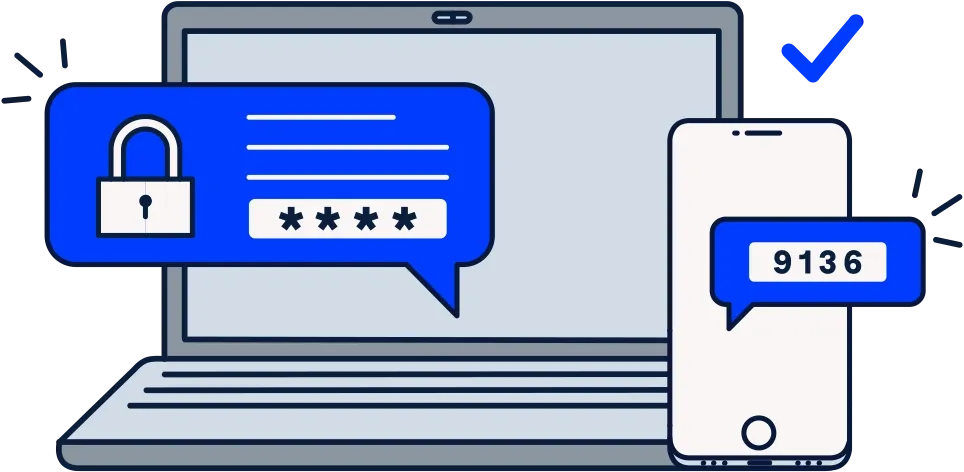
Passwords alone are no longer enough. Multi-factor authentication (MFA) significantly reduces the risk of compromised accounts, especially for email, remote access, and cloud platforms.
Minimum standard: MFA on email, VPNs, and admin accounts.
4. Are user access levels properly controlled?
Not every user should have access to everything. Excessive permissions increase the damage a compromised account can cause.
Best practice: Users only have access to what they genuinely need to do their job.
5. Are backups automated, monitored, and tested?
Backups are essential- but only if they actually work. Many businesses don’t discover backup issues until they need to restore data.
Key questions:
- Are backups automatic?
- Are they monitored for failures?
- Have they been tested recently?
6. Can you detect a security incident quickly?
Prevention alone isn’t enough. Modern security relies on early detection and rapid response to limit damage.
Consider: Would you know if a device or account was compromised today?
7. Is antivirus your only security control?
Traditional antivirus tools are no longer sufficient on their own. Advanced threats often operate quietly and evade signature-based detection.
Modern environments use layered security that includes monitoring, behavioural analysis, and alerting.
8. Are remote and hybrid workers properly secured?
With remote working now standard, home networks and personal devices can introduce risk if not managed correctly.
Check: Are remote devices secured to the same standard as office-based ones?
9. Do you have a documented incident response plan?
If a security incident occurred tomorrow, would your team know exactly what to do?
A clear response plan reduces downtime, confusion, and potential financial or reputational damage.
10. Are you reviewing and improving your security posture regularly?
Cybersecurity is not a one-time project. Threats evolve, businesses change, and security controls must adapt.
Strong security involves regular reviews, testing, and continuous improvement.
What Your Results Mean
- 8–10 “Yes” answers:
You likely have a strong foundation, but regular reviews are still essential. - 5–7 “Yes” answers:
You have some good controls in place, but there are clear gaps that could be exploited. - Below 5 “Yes” answers:
Your organisation may be exposed to unnecessary risk and should prioritise a security review.
Want a Professional IT Health Check?
This checklist is a starting point, but it doesn’t replace a professional assessment.
We help businesses:
- Gain full visibility of their IT environment
- Identify hidden security risks
- Strengthen protection against modern threats
- Build a secure, resilient IT foundation
Get in touch to book a no-obligation IT health check and find out where your real risks lie.